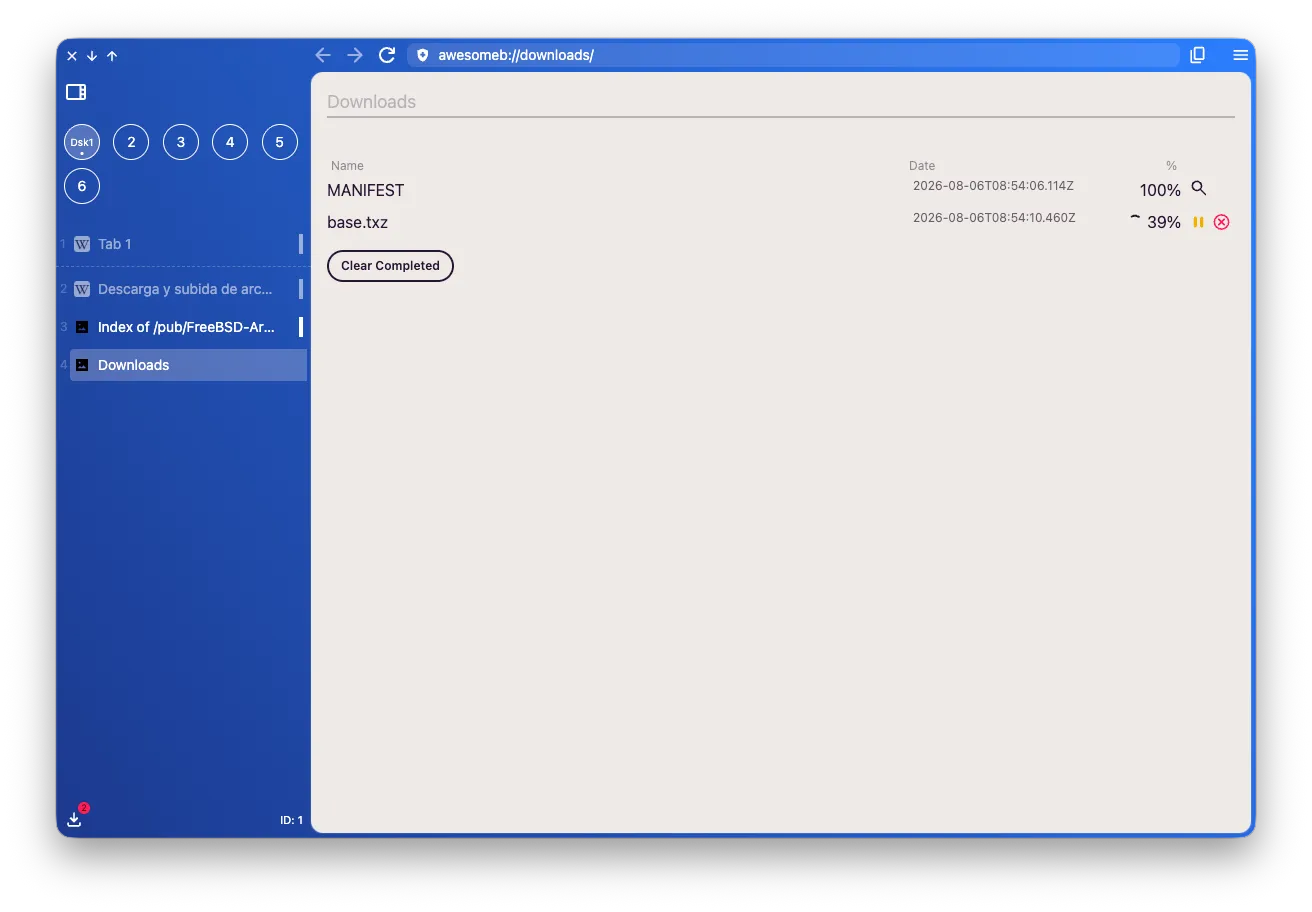
Downloads
You can access downloads by clicking the icon at the bottom of the left panel.
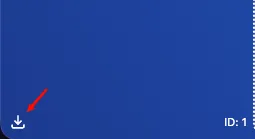
You’ll see the number of downloads on the icon if there are any.

Once open you’ll see a view like this:
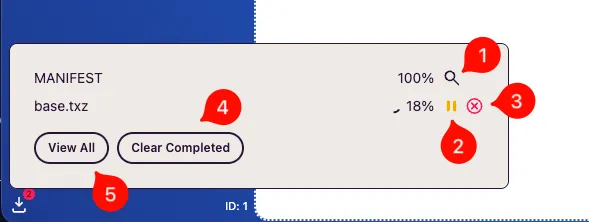
Where you can:
- Finished downloads will be shown with the percentage at 100%. A magnifying glass button (1) is shown to take you to the finder/explorer.
- If a download is in progress:
- You can pause it (2)
- Or stop it (3)
- Clean all finished downloads (4)
- If you want to open the view as a new tab click “view all” (5)