
Permissions
Many websites need permissions in order to operate correctly, for example to use localStorage or geolocation, etc.
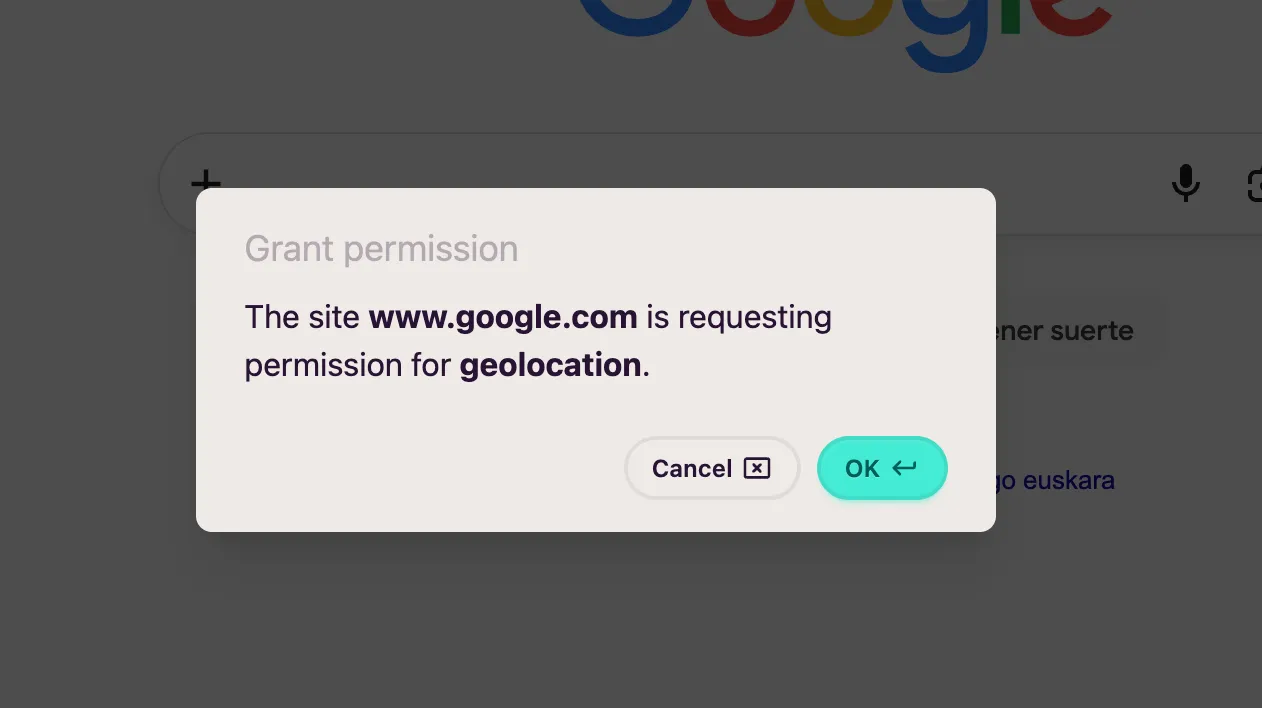
When a website asks for authorization to use a permission, you’ll see a modal similar to this one:
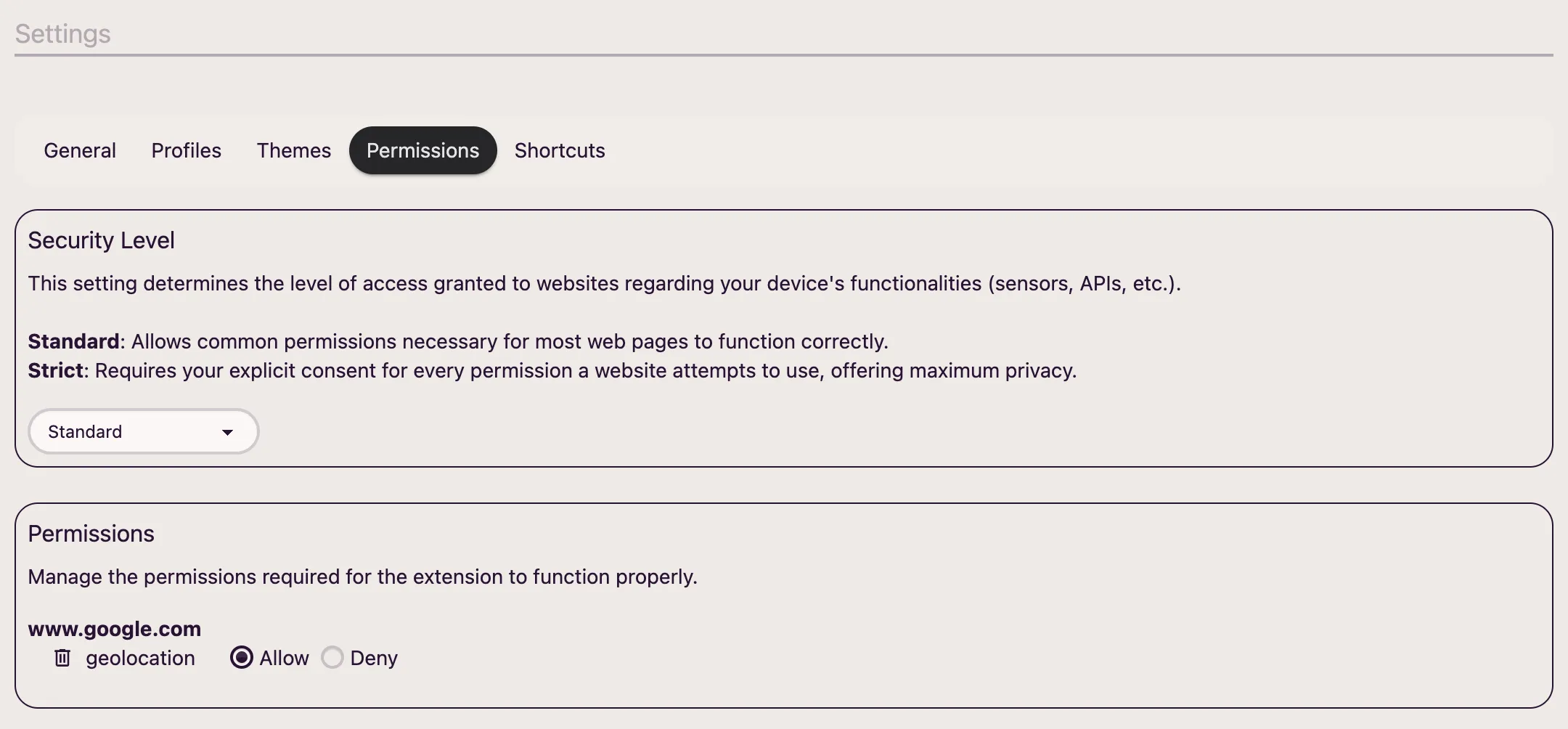
From this section of the configuration you’ll be able to manage website permissions and the security level:
Security level
Section titled “Security level”Currently there are two security levels:
- Standard: To avoid being too intrusive, it won’t ask you for permission for some of the most common permissions. Below is the list:
- Storage access for third-party content (iframes)
- Sensors
- Accelerometer
- Gyroscope
- Magnetometer
- Ambient light sensor
- Write and read from the clipboard
- Switch to fullscreen mode
- Auto-play a video
- Strict: Strict mode will ask you for authorization for all permissions.
Manage permissions
Section titled “Manage permissions”From this section you can change the value of any permission for a website or even delete them all.