Auto update
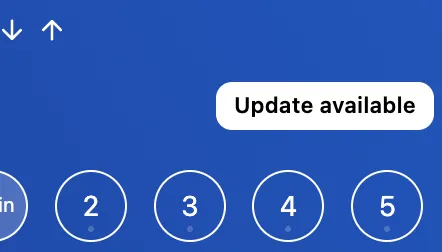
When a new update is available, you’ll see a button above the desktops.
You can also use the Check for Updates command from the command palette to check manually while AwesomeB is running. The command only checks for updates; it does not download or install them.
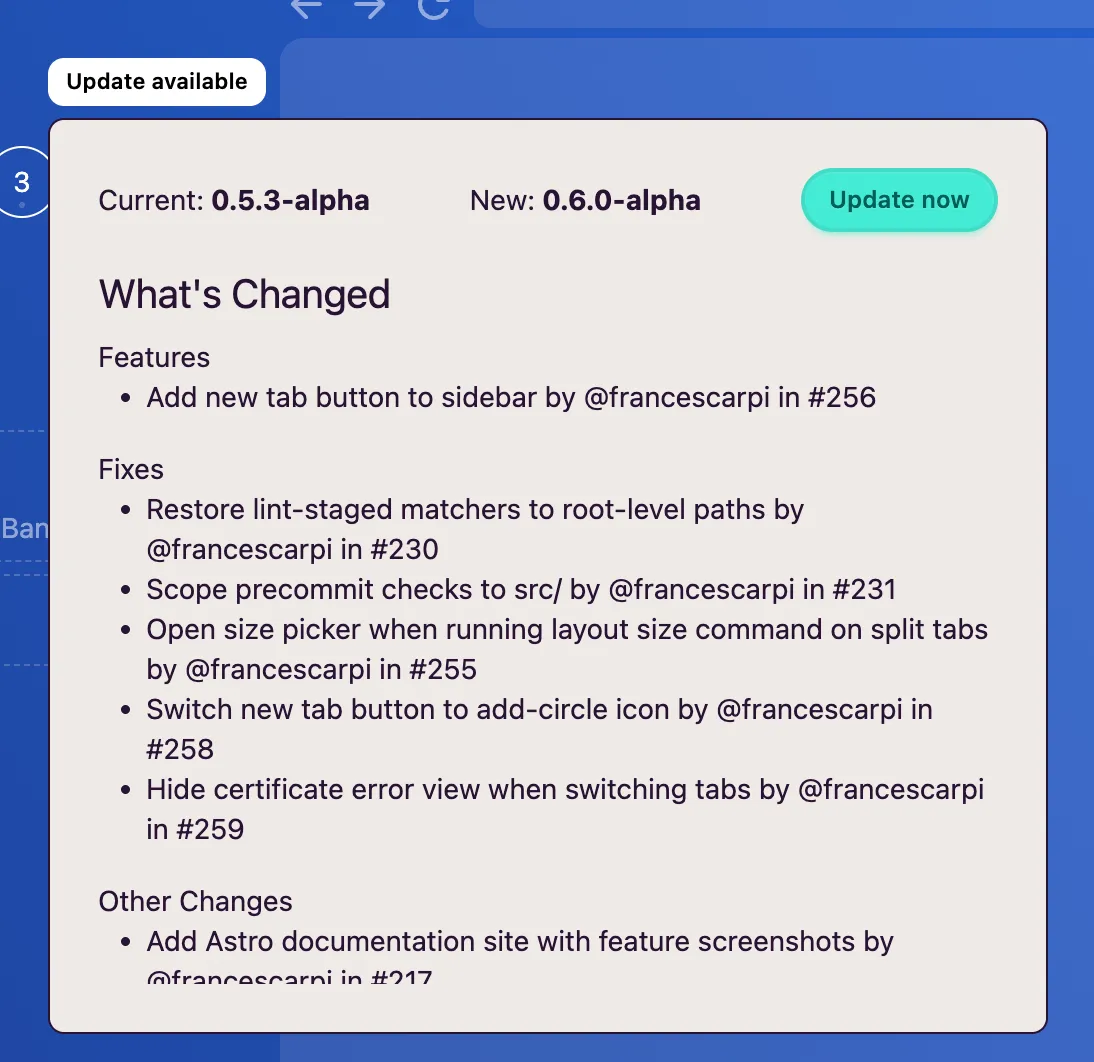
When you click the button, a modal will appear with the release notes.
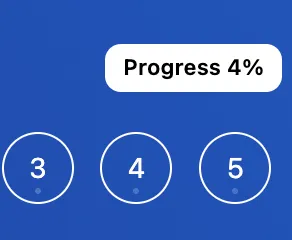
Click Update now to download it. The download progress will appear in the same place:
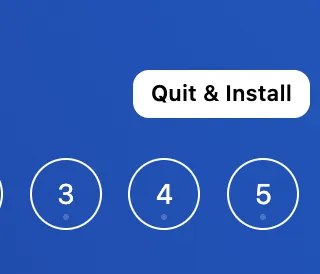
When the download finishes, you’ll see the Quit & Install button to proceed with the installation.