
First steps
When you launch AwesomeB for the first time, what you’ll see is a welcome view like this:
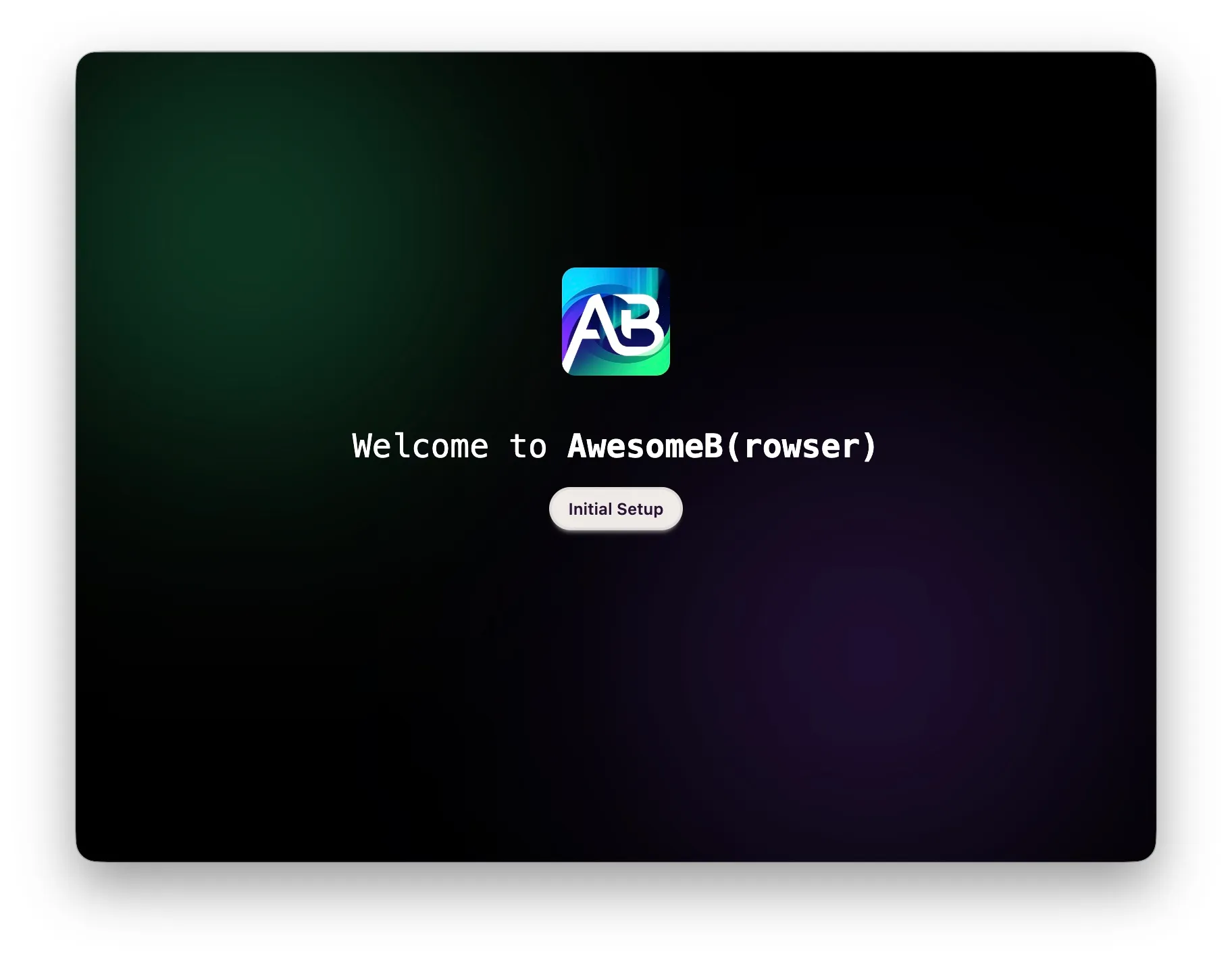
Click Initial Setup to fill in the minimum configuration required for AwesomeB to work.
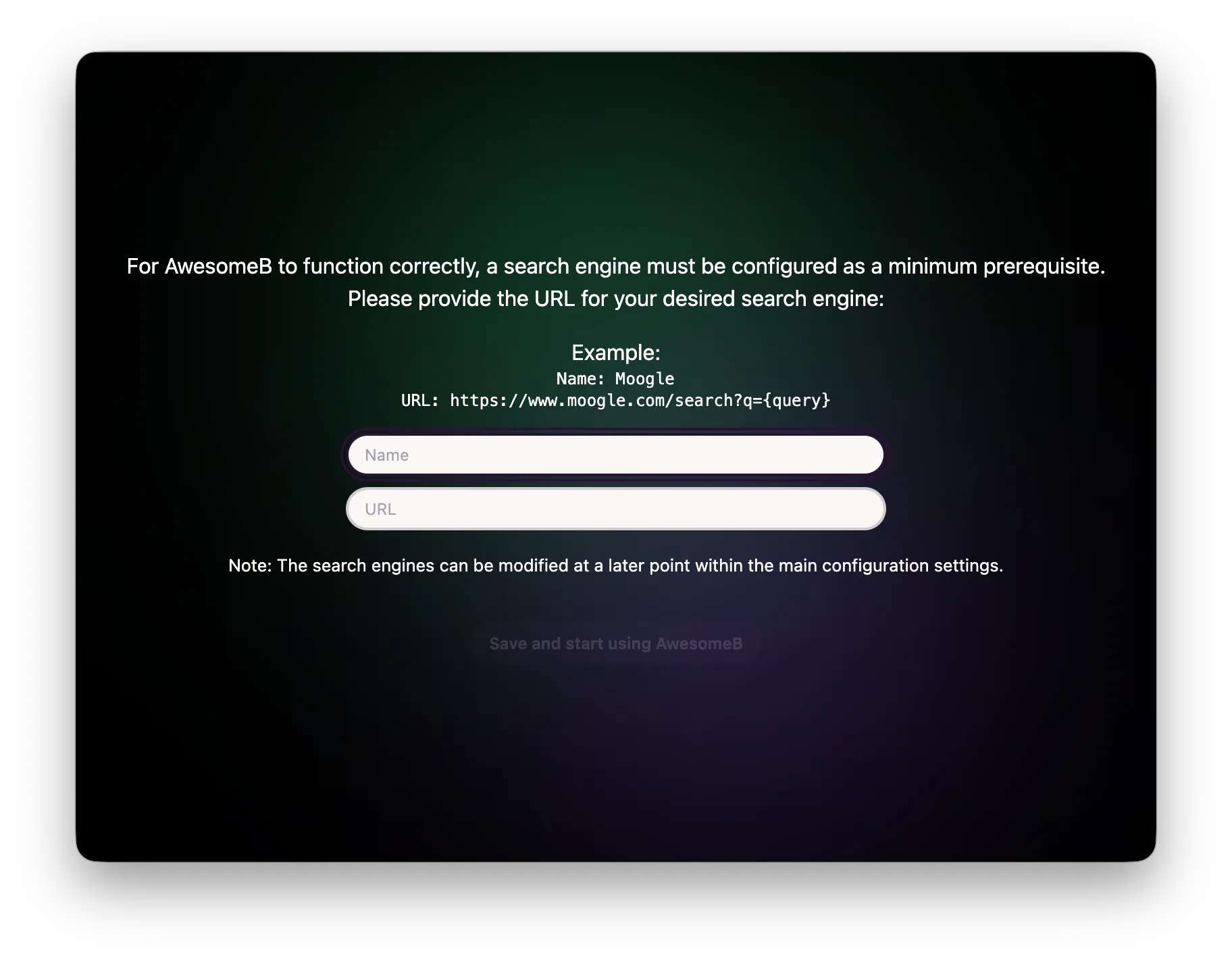
The first thing you need to do is configure at least one search engine, like the one shown in the example:
- Name: Moogle
- URL: https://moogle.com/search?q={query}
Once you’ve configured the first search engine, you can start the browser normally.