
Themes
Here you will find two things:
- Create new visual themes for desktops
- Change the visual theme for the user interface
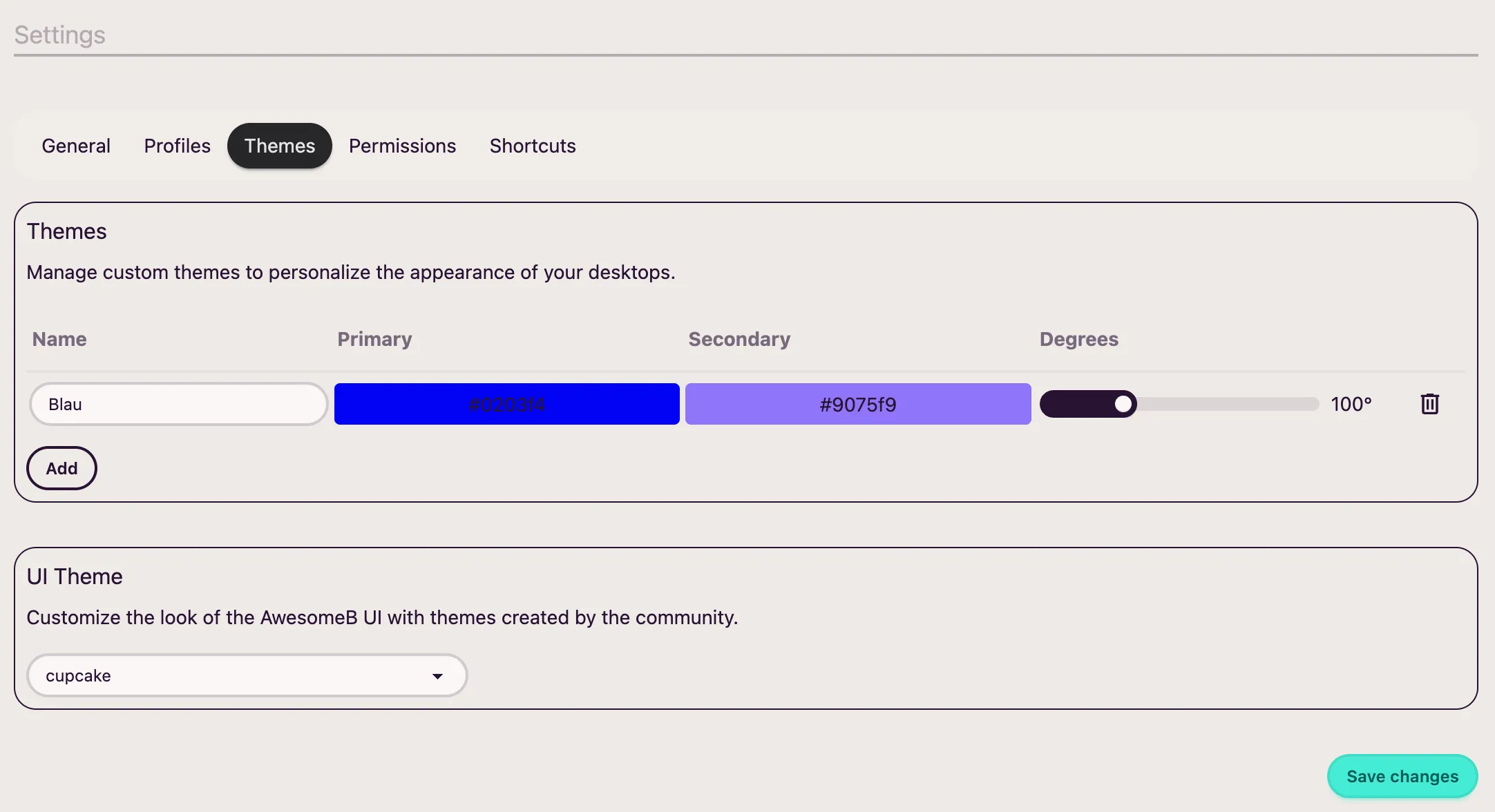
Desktop themes
Section titled “Desktop themes”Later, in the desktops section, you will see how to change the visual theme of a desktop (and what a desktop is). By default, AwesomeB includes a few predefined themes for desktops:
- Blue
- Purple
- Emerald
- Pink
- Orange
- Black
If you wish, you can also create more to your liking.
UI theme
Section titled “UI theme”The user interface refers to, for example, the settings page, modal windows, etc. If you wish, you can also change this theme to your liking.