Reopen a closed web
As mentioned in the previous section, when a website is closed, it remains invisible for a few days in case you want to reopen it. The list keeps the 30 most recently closed websites; older ones are removed automatically.
You can access reopen a web through:
- Main menu: File → Open recently closed tab
- Command: Open Closed Tab
- Shortcut: Generic ANSI: Shift+CmdOrCtrl+T · Generic ISO: Shift+CmdOrCtrl+T
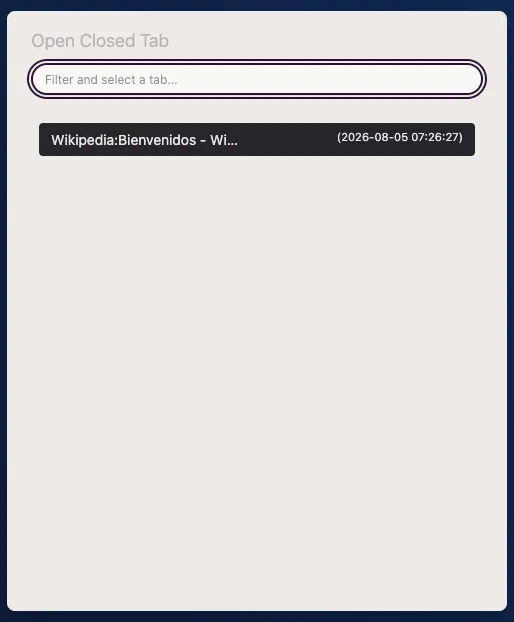
If you use the command, a modal will appear for you to filter/select which website you want to reopen.
Clear closed tabs
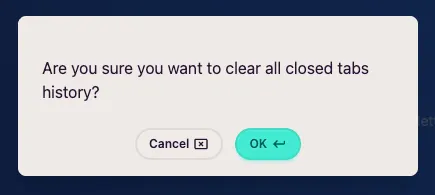
Section titled “Clear closed tabs”If you want to clear the history of all closed tabs, you can do so through the Clear Closed Tabs command. It will ask for confirmation before proceeding: