
Commands
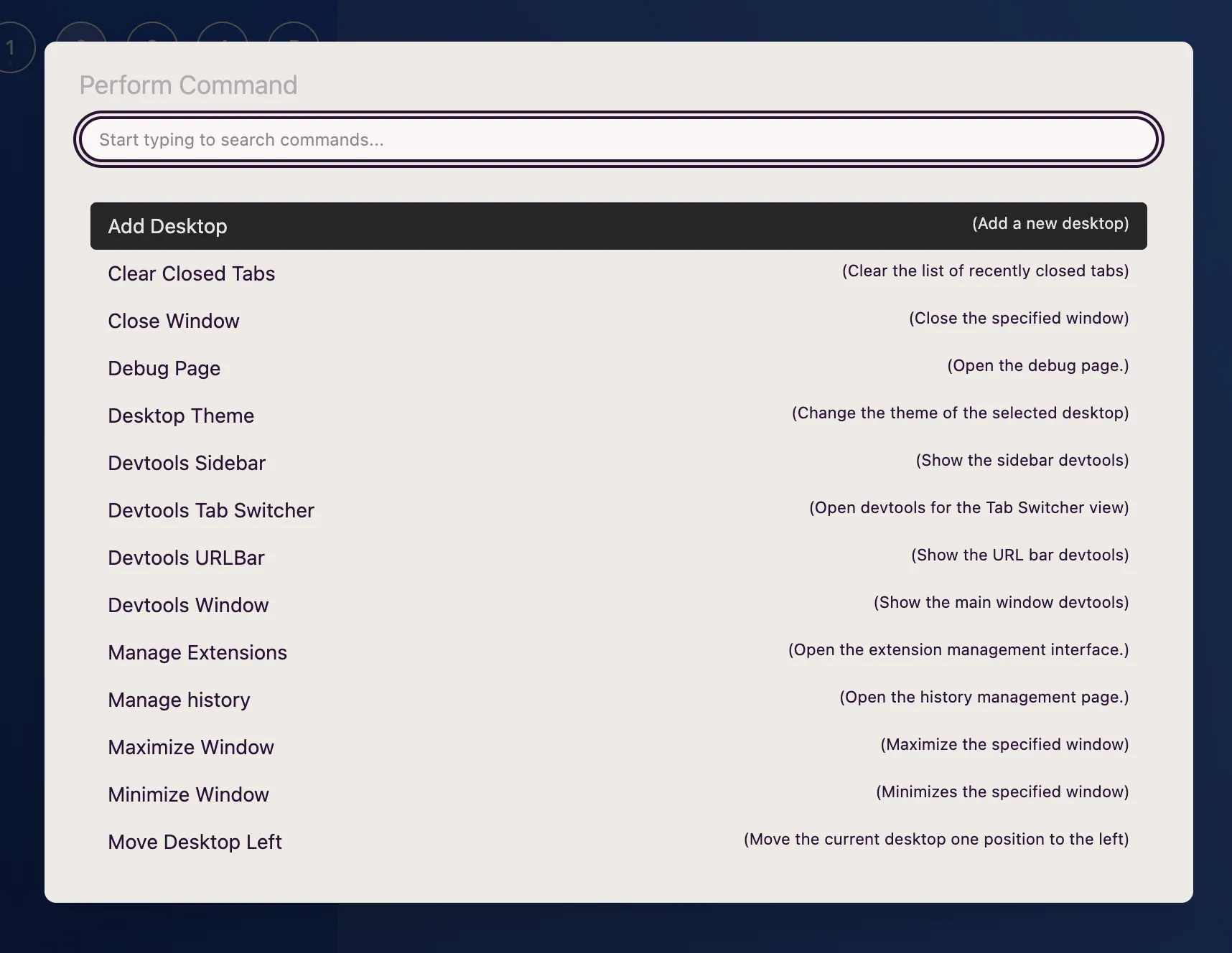
AwesomeB offers a command interface to use any of the available features in a faster, more direct way.
You can access commands through:
- Main menu: File → Perform command
- Shortcut: Generic ANSI: CmdOrCtrl+P · Generic ISO: CmdOrCtrl+P
You can also access it by clicking here:

When you trigger the command palette, you’ll see a modal window with an extensive list of all the features you can use. You can:
- Filter them by typing text.
Shift+j/Shift+k/Arrow Up/Arrow Down: to navigate to the previous or next one.- Enter: select or execute.
When you use the Change profile command on a tab, the tab will keep its position in the tab list. If it is selected, it will remain selected after switching profiles.